Asset Library: Every asset you own, one search away.
A free alternative to Premiere Composer for the transitions, overlays, sound effects and footage you already own. Search, preview and place them without leaving Premiere Pro.
The Windows version is in testing and not released yet.
First launch on a Mac: macOS asks you to allow it, because the app isn’t notarized.Here’s how
Compatible with
- Premiere Pro2024 – 2026
- Premiere Pro2027 and later
- macOSApple silicon and Intel
How it works
From your folders to your timeline in four steps.
Add your folders
Point Asset Library at the folders and drives where your assets live. Nothing is moved or copied.
Your library fills in
Goated Panels Hub indexes them in the background: thumbnails for video and images, waveforms for audio.
Search, then scrub
Type to search or filter by type, then hover over a clip to scrub through it. Click a sound to hear it.
Drop it on the timeline
Drag it onto your sequence and it lands at the playhead on the tracks you chose. Double-click or Add at playhead works too.
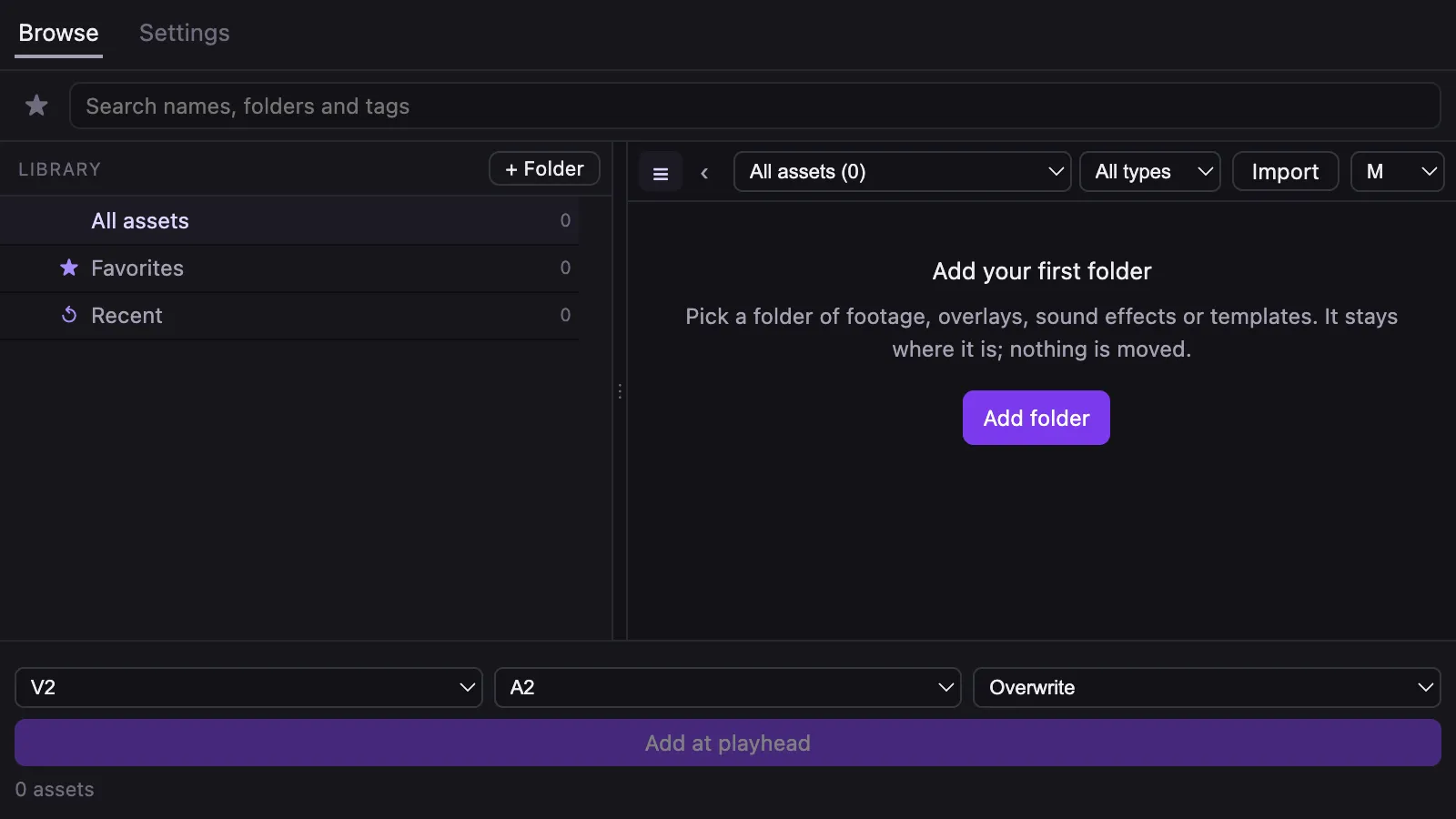
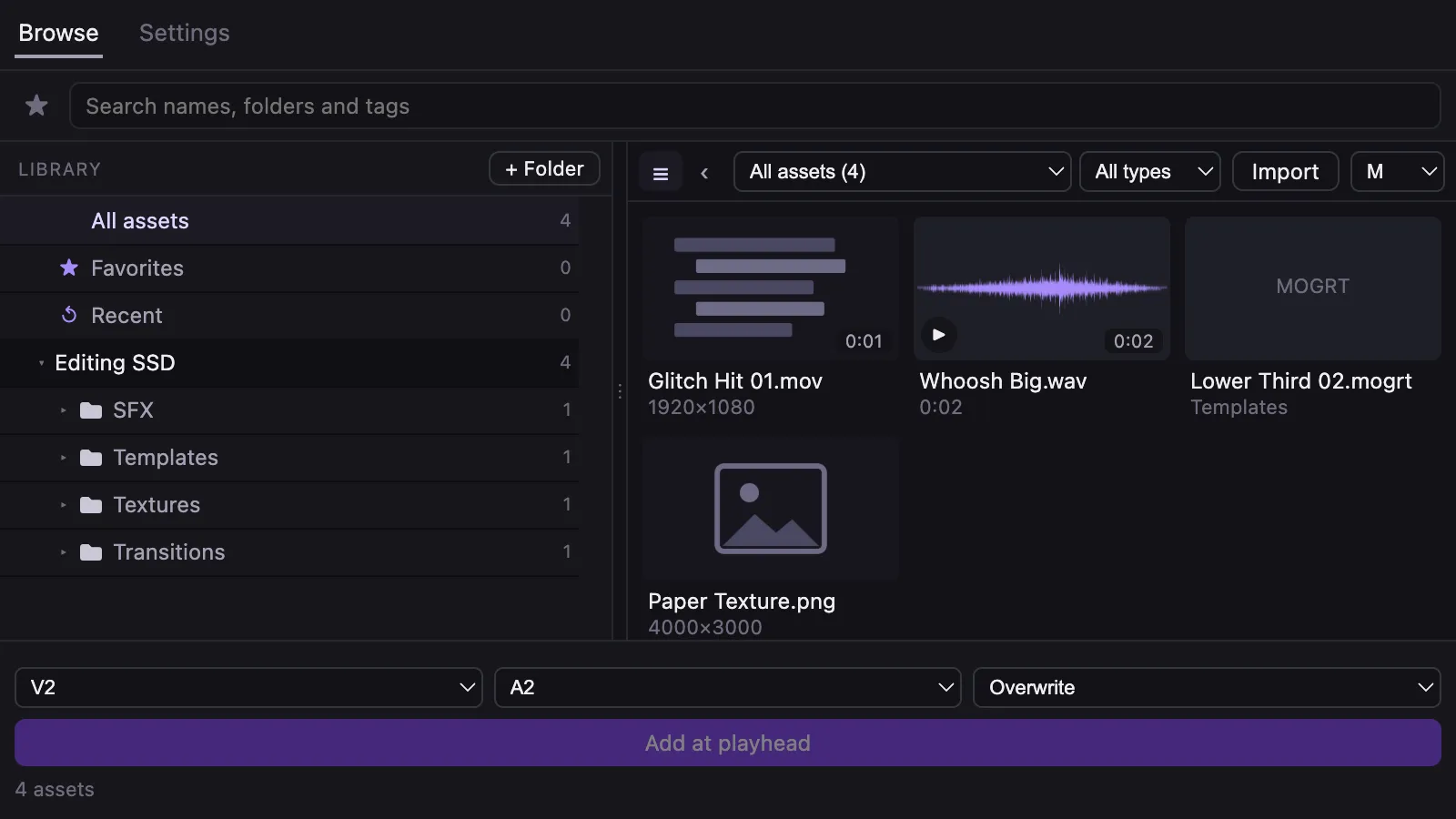
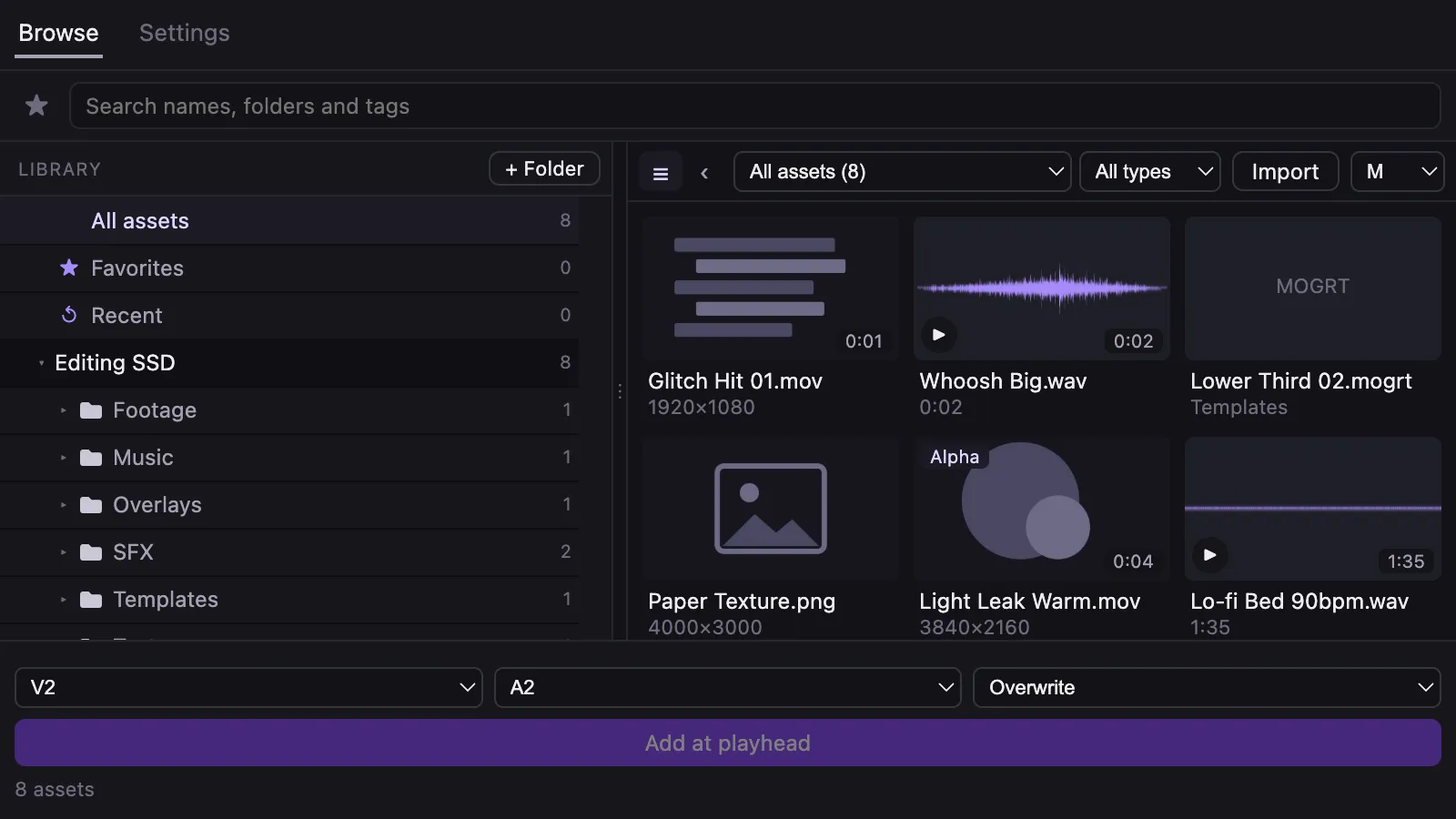
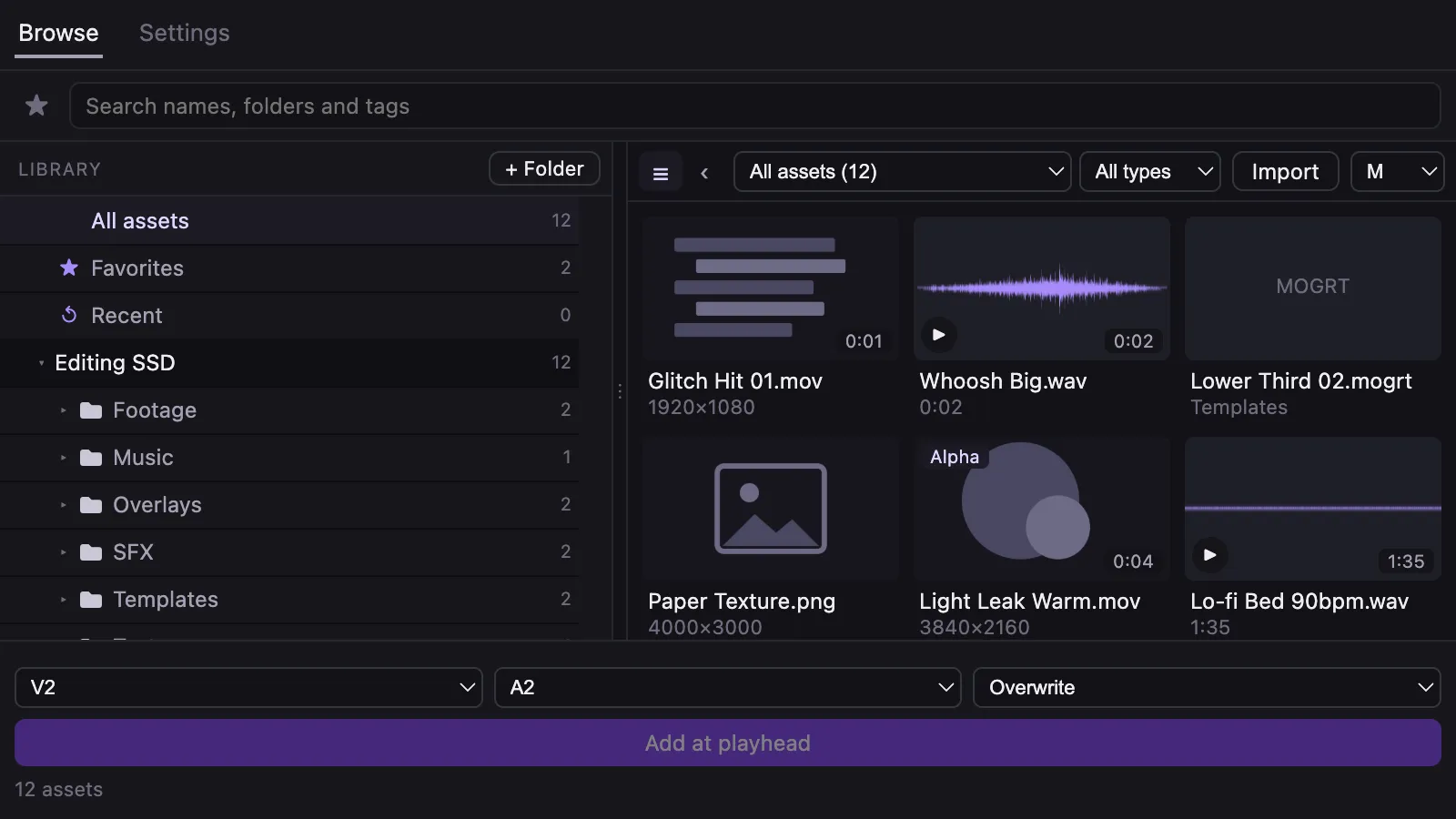
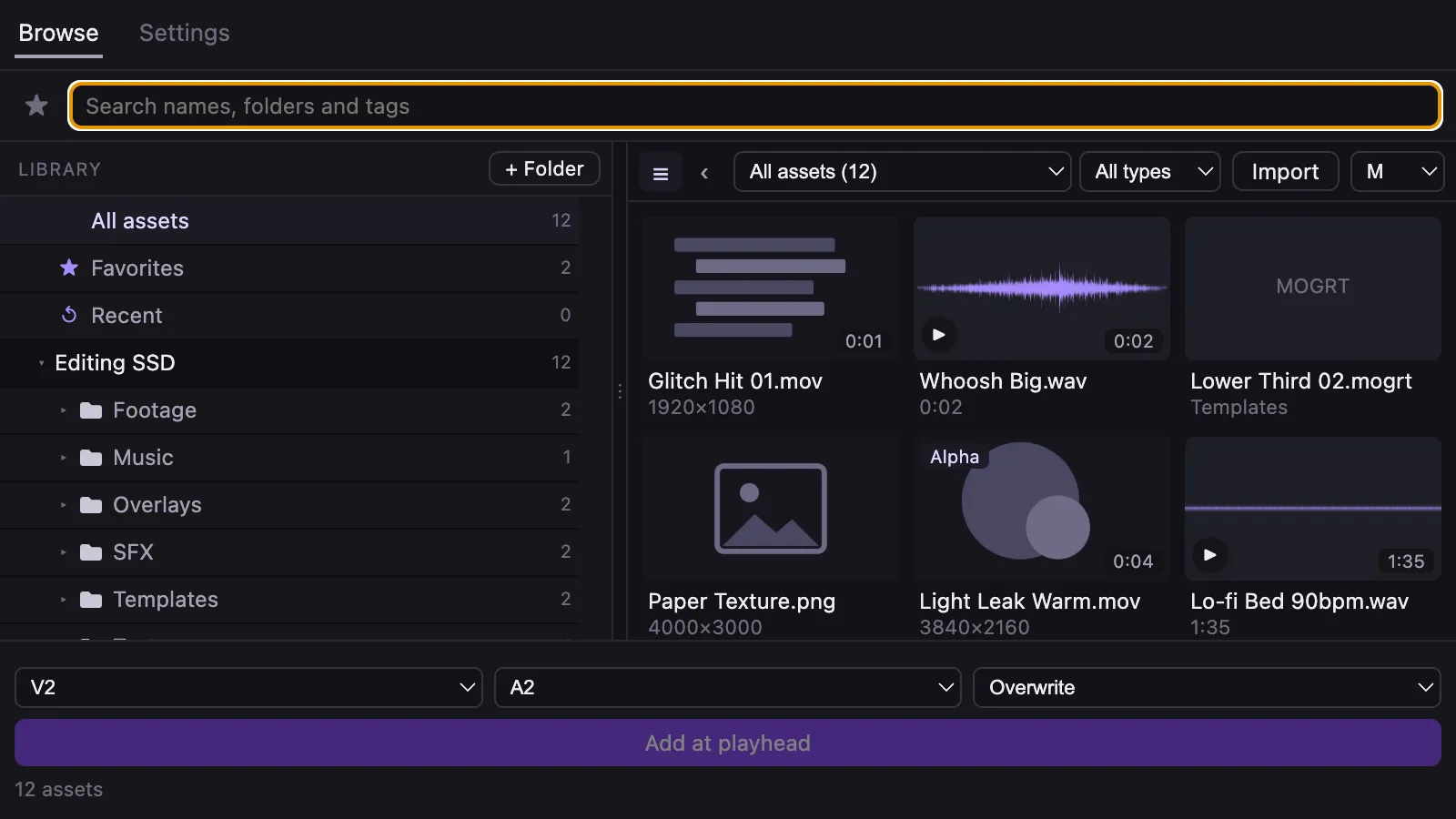
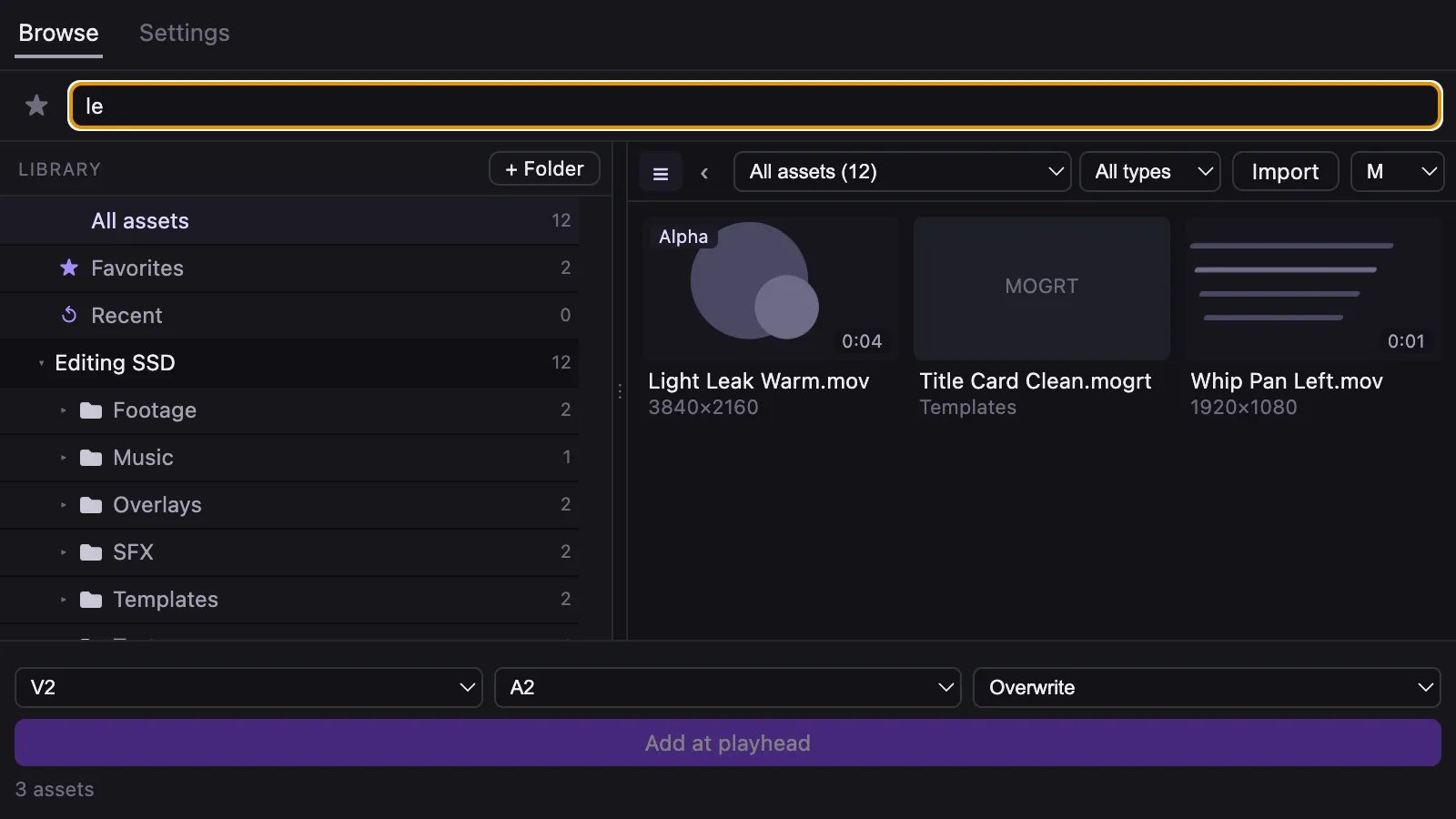
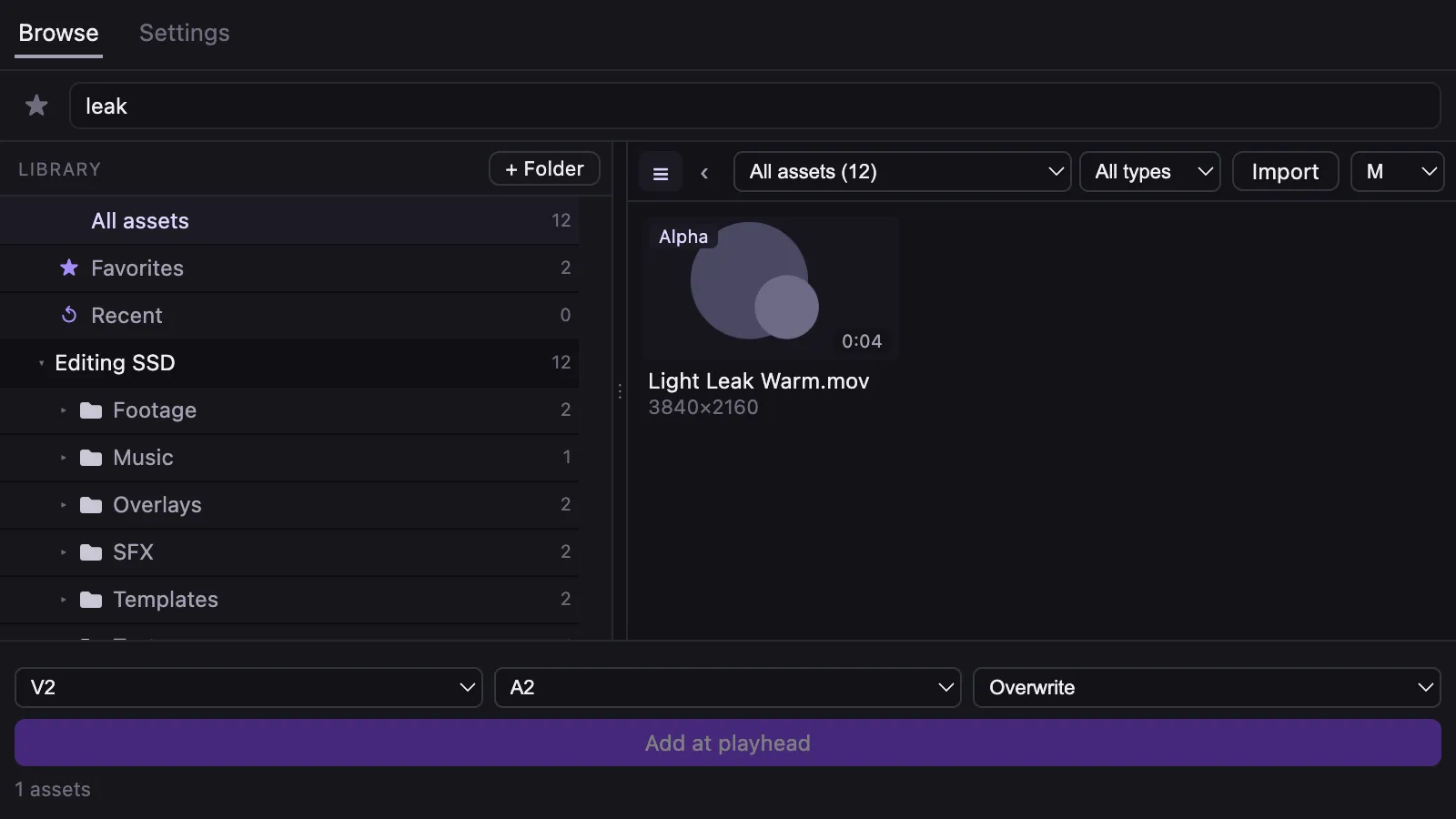
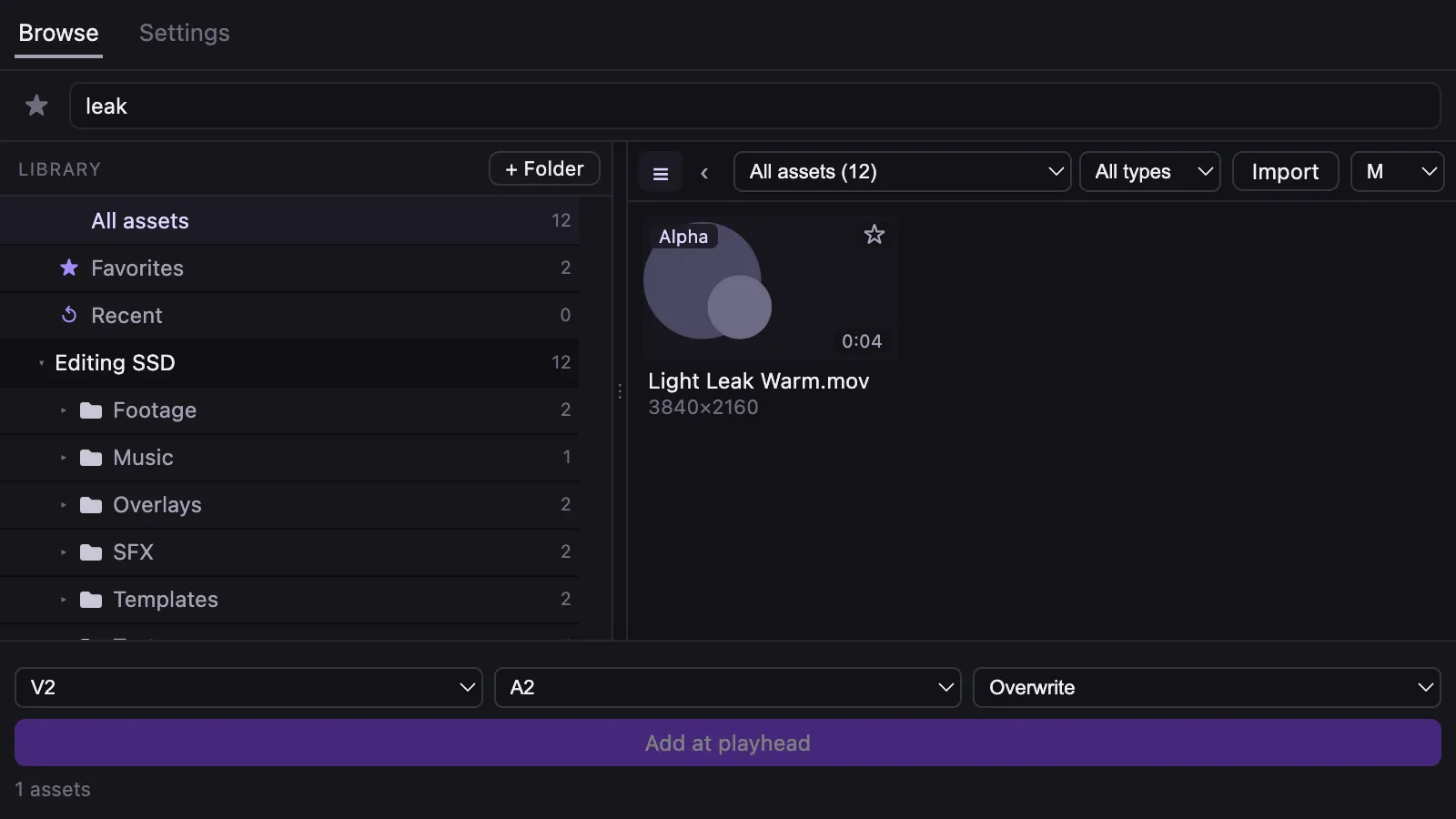
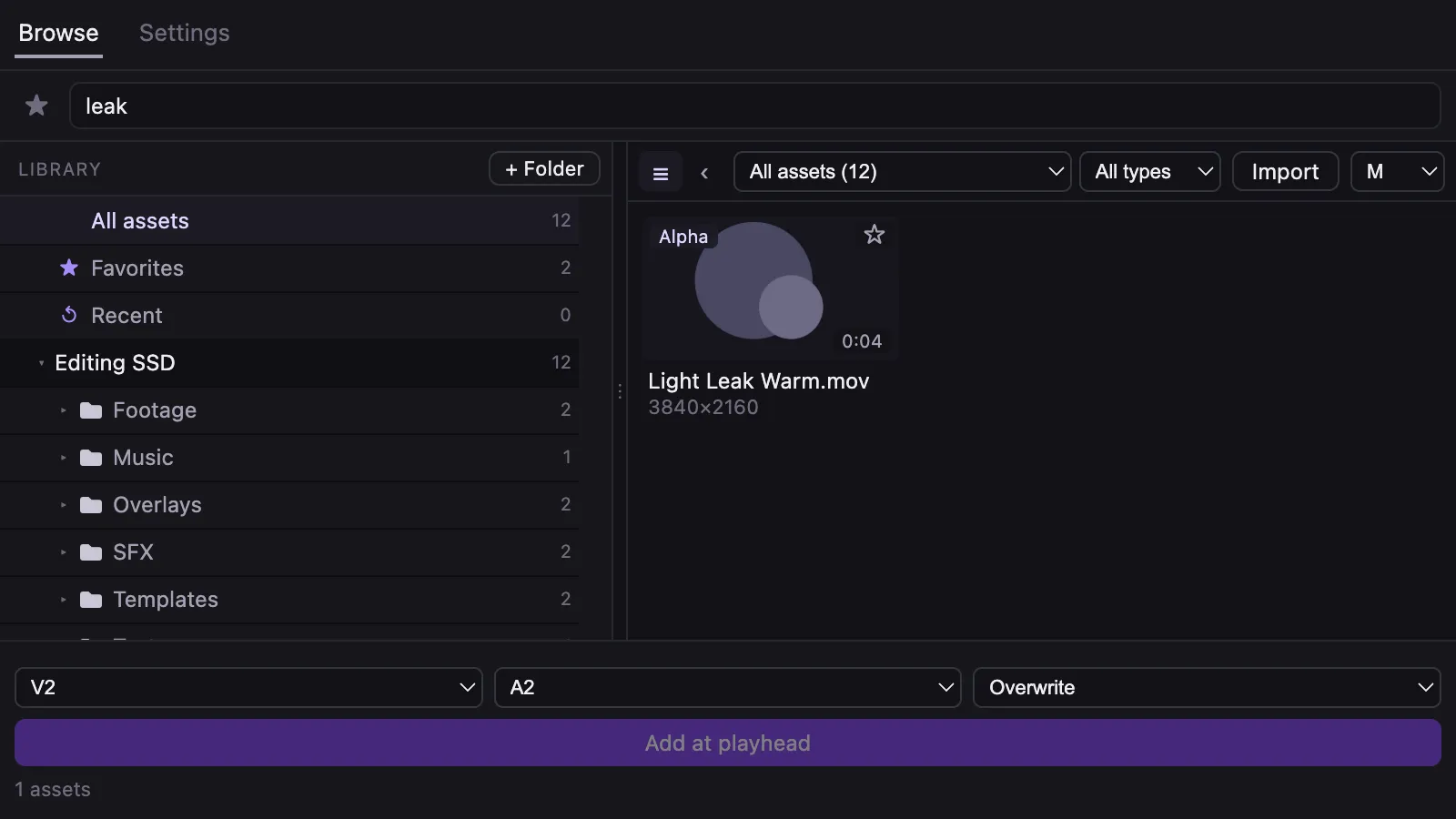
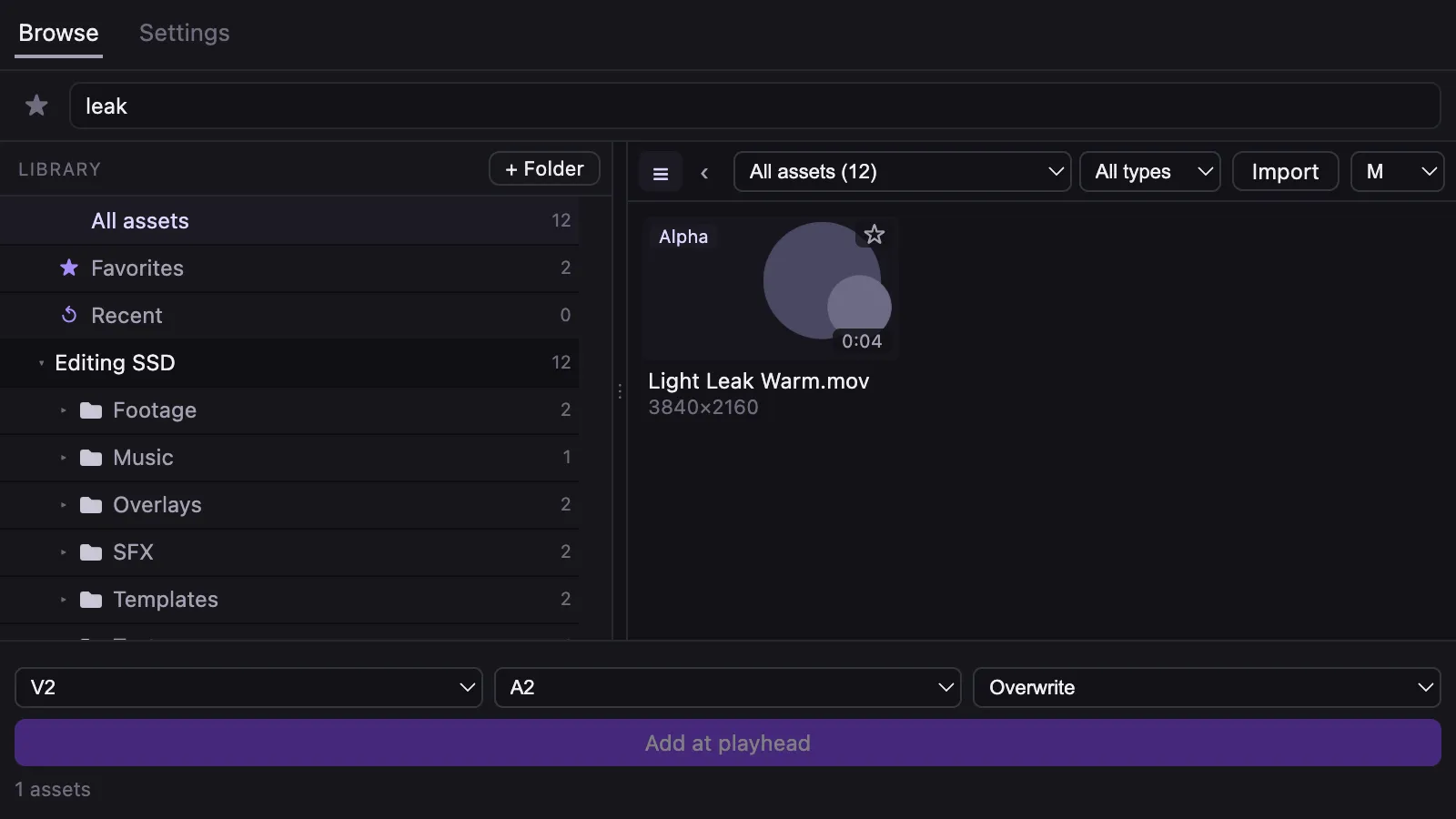
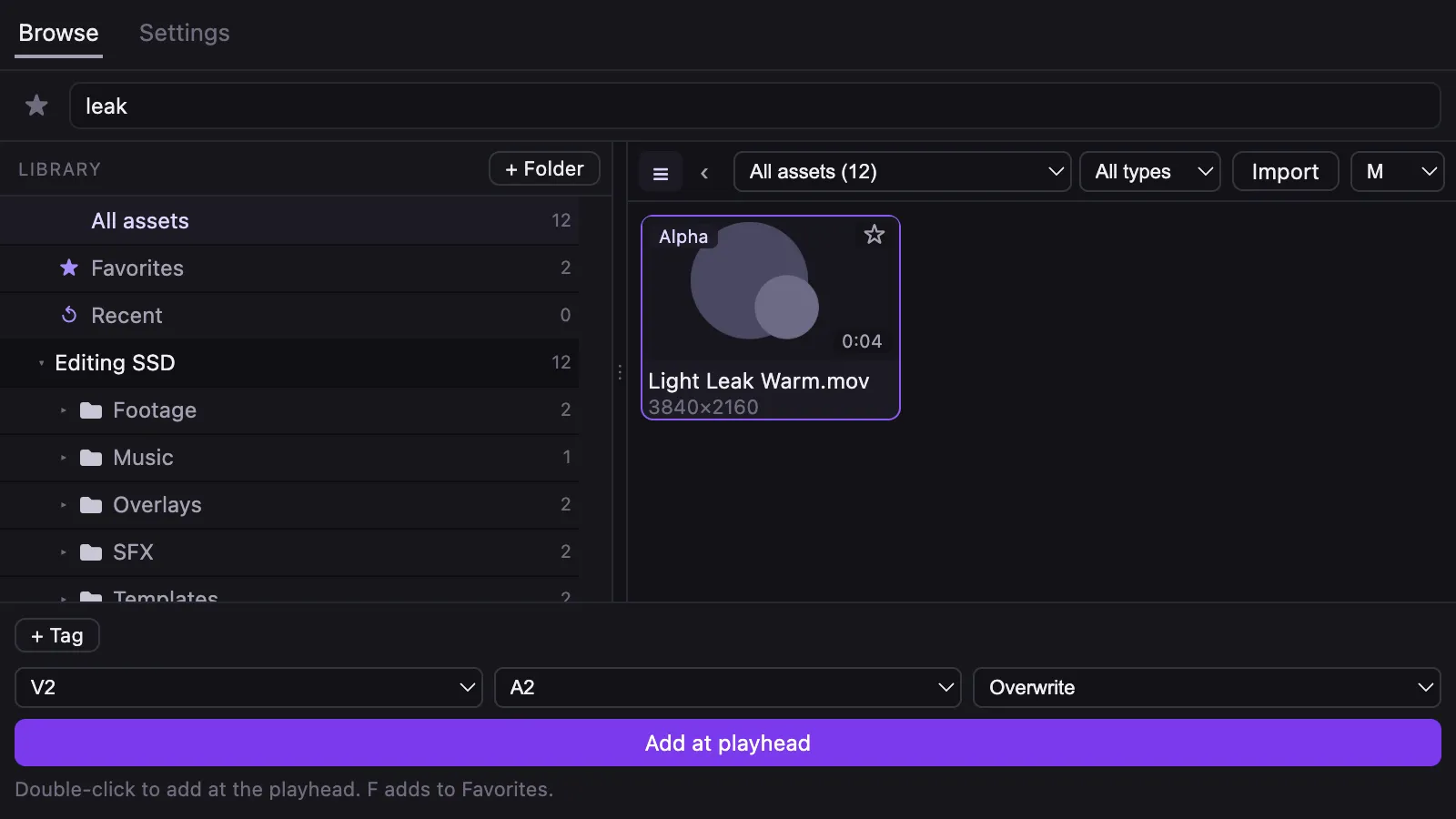
The real Asset Library panel, recorded with sample files. The timeline and program monitor in step 4 are simplified illustrations. Dragging onto the timeline works with the panel build for Premiere Pro 2024 to 2026 and with 2027 and later.
What it does
Search and preview inside Premiere Pro
Thumbnails for footage and images, waveforms for audio, hover-scrub for video, and search across names and folders, all in a docked panel.
Seen working in Premiere Pro 26 on macOS
Place clips at the playhead
Insert or overwrite at the playhead on the tracks you choose. One undo takes it back, and the same file is never imported twice.
Seen working in Premiere Pro 26 on macOS
Your folders and drives, indexed in the background
Goated Panels Hub runs quietly and keeps the library current: video, audio and images from the folders and external drives you add.
Drag onto the timeline
Drag assets straight onto a sequence. In the UXP build this needs Premiere Pro 27 or later.
Your files stay where they are
Asset Library never moves, renames, changes or deletes your files, and writes nothing into your folders. Its own data lives in its app folder.
Installs the right panel, and uninstalls cleanly
Goated Panels Hub finds each Premiere Pro version you have and installs the panel build it needs. Uninstall removes the panel, the login item and the app; your library is kept unless you choose to delete it.
Install, update, uninstall
The installers aren’t code-signed, so your computer asks you to allow them the first time. These steps cover it.
Install on macOS
- Open the .dmg file and drag Goated Panels Hub into Applications.
- Open Goated Panels Hub. The first time, macOS blocks it because the app isn’t notarized: go to System Settings → Privacy & Security and click Open Anyway.
- In the Hub, on Install, keep Premiere Pro selected and leave the recommended panel build selected.
- Click Install Asset Library and wait for the confirmation.
- Restart Premiere Pro, then open the panel from the Window menu.
Install on Windows
- Run the setup .exe file. Windows SmartScreen warns you because the installer isn’t code-signed: click More info → Run anyway.
- Open Goated Panels Hub. On Install, keep Premiere Pro selected and leave the recommended panel build selected.
- Click Install Asset Library and wait for the confirmation.
- Restart Premiere Pro, then open the panel from the Window menu.
Update
- Goated Panels Hub checks for a new version once a day. You can turn this off in its settings.
- When there is one, the Hub tells you and links to the release. It never updates itself silently.
- Install the new version over the old one. Your library and settings stay.
- The Premiere Pro panel updates itself when a new Hub version brings a newer panel.
Uninstall
- Choose Uninstall Asset Library… in Goated Panels Hub under Manage, in the panel’s Settings → Advanced inside Premiere Pro, or from the Hub’s icon in the menu bar (Windows: notification area).
- Confirm. It removes the Premiere Pro panel, stops the Hub from starting at login and removes the app (on macOS it moves to the Trash; on Windows its uninstaller runs).
- Your library (folder list, tags, favorites and thumbnails) is kept unless you tick Also delete my library. Your own asset files are never touched.
- On Windows, uninstalling from Settings → Apps does the same and asks about the library.
Files and checksums
Each installer’s size and SHA-256, as published.
macOS, Apple silicon
macOS, Intel
Windows, 64-bit
Download not available yet
The Windows version is in testing and not released yet.
Questions
Is Asset Library really free?
Yes. It’s free to download and use, with no account. It isn’t open source: the code isn’t licensed for copying or redistribution.
How is it different from Premiere Composer?
Asset Library is completely free, with no limit on how many folders or assets you add. It works with the assets you already own: the transition packs, overlays, sound effects and footage on your drives. It doesn’t come with an asset store or packs of its own. It indexes your folders, then lets you search, preview and place them from a panel inside Premiere Pro, with no account.
Which Premiere Pro versions does it work with?
Premiere Pro 2024 to 2026 get the CEP panel build (tested on 26.5); 2027 and later get the UXP build. Goated Panels Hub finds the versions you have and installs the right build through Adobe’s Creative Cloud app. The UXP build also opens in 25.6 to 26, but dragging onto the timeline needs 27, so the Hub picks CEP there.
Will it change or move my files?
No. Asset Library never moves, renames, changes or deletes your files and writes nothing into your folders. Its library, thumbnails and previews live in its own app folder.
Why does macOS say it can’t open the app?
The app isn’t notarized by Apple yet, so macOS blocks the first launch. Open System Settings → Privacy & Security and click Open Anyway.
How do updates work?
Goated Panels Hub checks for a new version once a day and tells you when there is one. Install it over the old version; your library and settings stay, and the Premiere Pro panel updates itself. You can turn the check off in the Hub’s settings.
Is there a Windows version?
Not yet. Asset Library is for Mac today. When a Windows version is released, it will be offered on this page.
What’s new
Version 0.1.0
Released
- First release, for Mac (Apple silicon and Intel).
- Goated Panels Hub installs the right Asset Library panel for your Premiere Pro: CEP for 2024 to 2026, UXP for 2027 and later.
- Search, preview, tag and favorite your own assets in a panel inside Premiere Pro, then drag them onto the timeline or place them at the playhead.
- Not signed or notarized by Apple yet, so macOS asks you to click Open Anyway the first time.